
How it works
Follow anything, then choose which events reach you and when — the moment they happen, a set time before, or on your schedule.
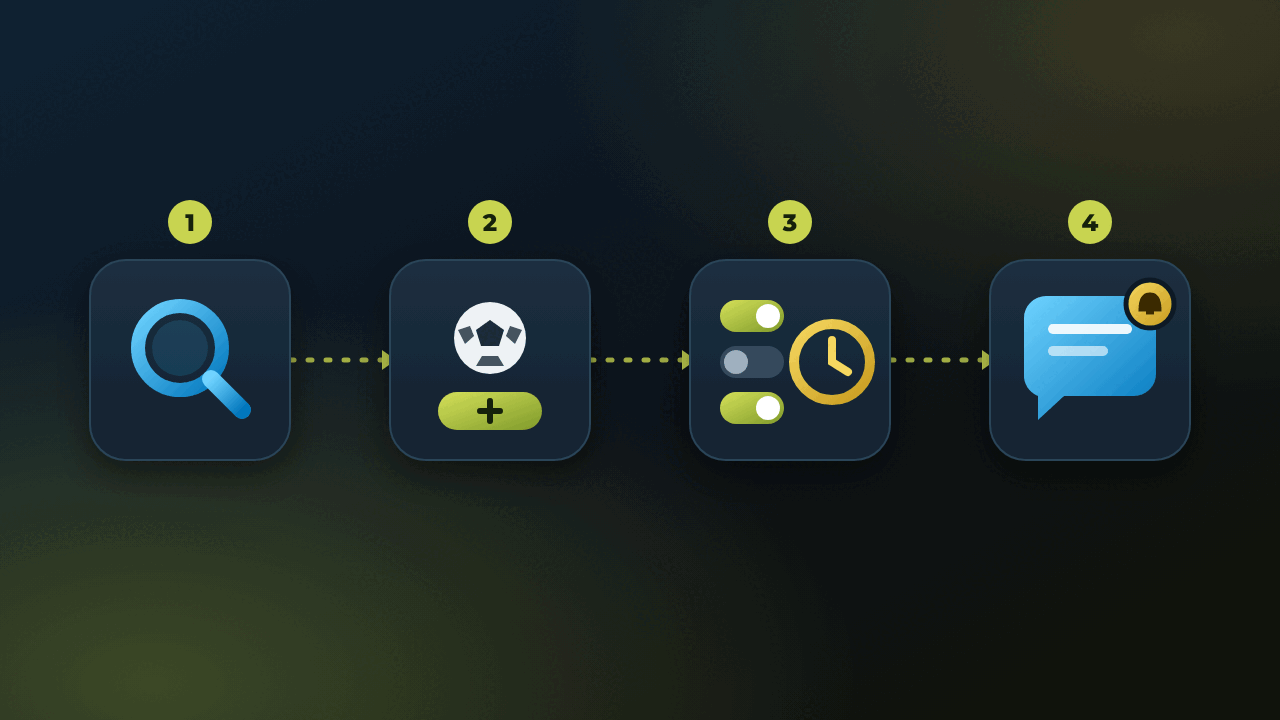
Search & discover
Use the search bar to find any team, player, coin, or discipline you want to follow.
Open & follow
Open its page and tap Follow to start tracking it.
Choose what and when
Pick the events you want — kickoff, result, each map, a new article — and when: the moment it happens, a set time before, or on the weekdays and at the hour you choose.
See your agenda
Everything you follow lands in one calendar — matches, races and new articles by day, with live and postponed ones marked.
Get notified
Veentry sends exactly the alerts you picked, at the time you picked. Each arrives as a message with the key details and a button that opens the event.
What that looks like for one person
Take Sam — a Real Madrid supporter who also watches a CS2 roster, and reads enough crypto news to want to know when something actually happens to Bitcoin. Before Veentry that was three habits in three places: a scores app for the football, a Twitch follow list for the esports, and a browser tab that only got opened after the news had already broken somewhere else.
Setting it up took about a minute per follow, and each follow got its own settings. Real Madrid: a reminder an hour before kickoff and the final result, because Sam usually has the game on anyway. The CS2 team: one message every Friday at 18:00 with the weekend's series. Bitcoin, where the useful signal is an article rather than a fixture: news delivered on weekday mornings at 9:00 instead of the minute it is published.
A week on that follow list
Tuesday evening, a message: the Champions League tie kicks off in an hour. Sam is standing in a supermarket and would otherwise have remembered around half-time. Friday at 18:00, the weekend's CS2 schedule arrives, with the series against a rival confirmed for Sunday — early enough to plan the weekend around it rather than catching the VOD on Monday.
Wednesday morning brings one Cointelegraph piece worth reading, with the coffee rather than in the middle of a meeting. Saturday is silent. That quiet is the part people underestimate: a follow list that says nothing on a slow week is a filter doing its job, not a feed failing to fill itself. Only what Sam chose, only when Sam chose it.
Changing your mind later
A month in, Sam follows all of La Liga instead of one club, because other teams' results started to matter for the title race — results only, no kickoff reminders, for everyone but Real Madrid. The smaller CS2 tournaments turned out to be noise, so their alerts went off. Both changes are a couple of taps on a page that is already open, and nothing you switch off comes back on its own. When goal and card alerts arrive, they will be one more switch on the same page: on for Real Madrid, off for the rest.
Where to start
The one mistake worth avoiding is following twenty things on the first evening with every alert switched on — that is how any notification app ends up muted. Pick the single thing you would be annoyed to miss, give it only the alerts you actually want at the time you actually want them, and let the next week tell you whether it deserves company.